
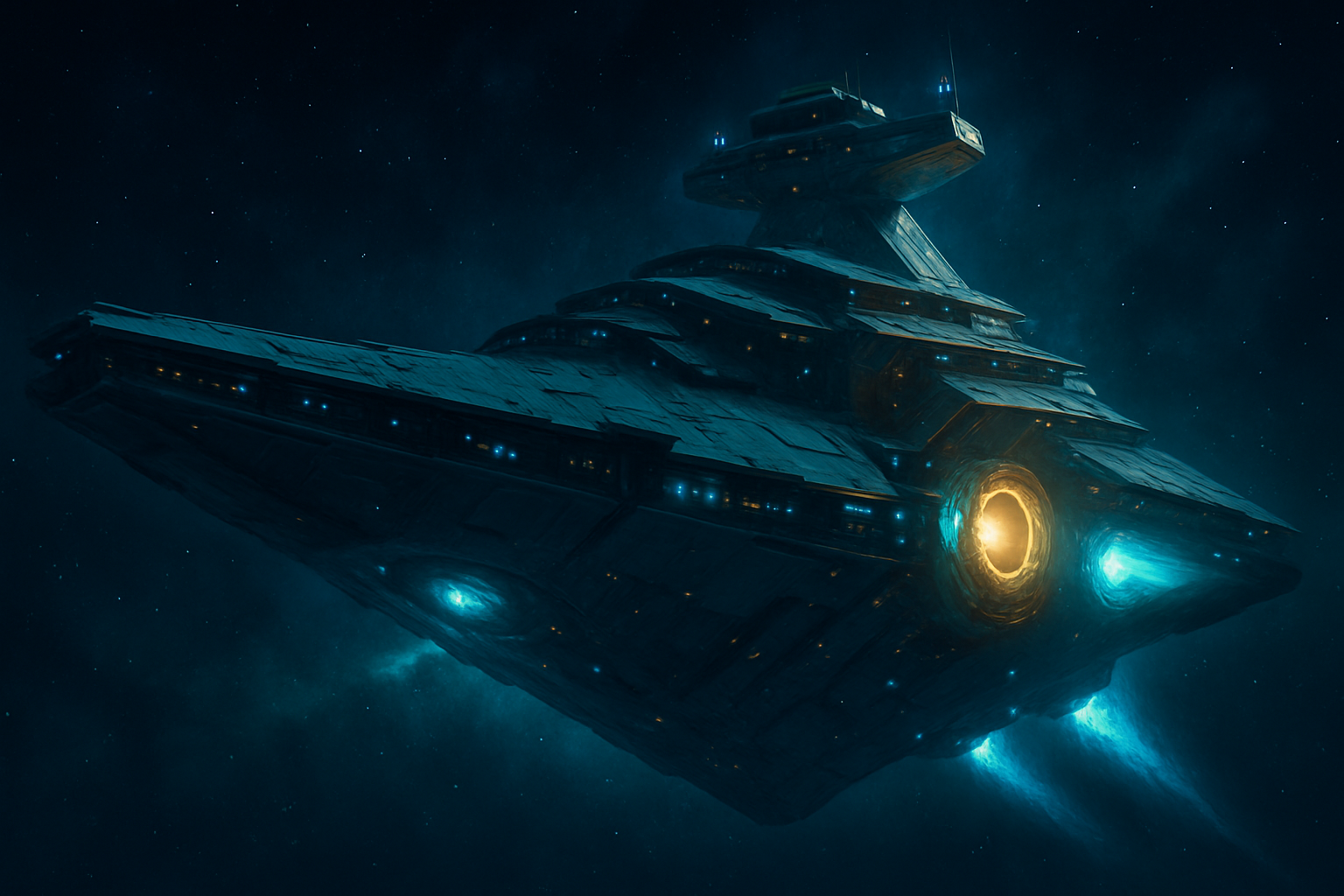
The reliable way to get an S-class freighter is save scumming freighter rescue events in wealthy systems. It’s a grind. At 2% spawn odds, expect 20 to 40 reloads, sometimes more. Below is the method I’d use, split into two stages so you don’t burn an evening rolling S-class on a freighter you’ll hate looking at for the next 500 hours.
Why S-class is worth the grind
S-class freighters have the highest base stat bonuses of any class. When you claim one, the bonuses are randomly rolled within the S-class range:
| Class | Hyperdrive Bonus | Fleet Coordination Bonus |
|---|---|---|
| C | +7% to +15% | +1% to +10% |
| B | +10% to +19% | +10% to +20% |
| A | +40% to +60% | +20% to +40% |
| S | +60% to +80% | +40% to +60% |
S-class also comes with 4 supercharged slots on the tech grid, which matters a lot once you start stacking upgrade modules. (There’s a known bug that sometimes spawns S-class freighters with only 2-3 supercharged slots. More on checking that below.)
You also want a capital freighter, not a system freighter:
| Type | Cargo Slots | Tech Slots | Price Range |
|---|---|---|---|
| System Freighter | 15-19 | 8-12 | 5M – 23M units |
| Capital Freighter | 24-34 | 12-20 | 26M – 178M units |
Capital freighters start with a lot more slots, though both types can be upgraded to 48 cargo / 21 tech with Cargo Bulkheads. They’re also the huge ships you see getting attacked in rescue events, and they look like it.
Prerequisites
A few things need to be in place before you start hunting.
You need at least 2 prior rescue events. Capital freighters only start appearing in rescue events after you’ve already had two. Your first couple of rescue events will spawn system freighters. The capital variety unlocks after that.
Install an Economy Scanner. You’ll use this to identify wealthy 3-star systems on the galaxy map before warping. Pick one up from Iteration: Hyperion on the Space Anomaly for 150 nanites.
Budget 150-200M units. S-class capital freighters cost up to ~178M units based on game data. If this is your very first freighter, it’s free regardless of class, but for everyone else, get the credits ready.
Check your difficulty settings. Rescue events can’t trigger if Space Combat is set to None. Obvious, sure, but it’s the kind of thing you find out after two hours of warping around for nothing.
Pick your design before you grind
Don’t skip this step. It matters more than anything else here.
The freighter’s design is locked to the star system. Every time you warp into a specific system during an active rescue event, the same freighter design spawns. What’s random is the class (C, B, A, or S), and that’s what you’re reloading for.
So you need to find a system with a freighter design you actually want before you start grinding for class. Otherwise you might burn 40 reloads and end up with an S-class ship you hate looking at.
Capital freighters come in two families:
Venator family (Star Wars Star Destroyer aesthetic):
- Venator: 2 cargo sections, smaller
- Imperial: 4 cargo sections, mid-size
- Resurgent: 6 cargo sections, the largest, up to 23 turrets and the best combat coverage of any freighter
Sentinel family (gothic sci-fi, heavy Warhammer 40k vibes):
- Sentinel: 3 midsection segments, smaller
- Battleship: 5 midsection segments, mid-size
- Dreadnought: 7 midsection segments, the largest, 20 turrets
The Pirate Dreadnought is a third option. It’s a unique design that only comes from one event type, covered below.
The NMS Galactic Fleet Catalog on the wiki documents which systems spawn each design. If you have a specific ship in mind, look it up there and work from the nearest system.
Best systems to hunt in
Spawn rates are tied to system economy:
| Economy | C | B | A | S |
|---|---|---|---|---|
| Poor | 60% | 30% | 10% | 0% |
| Average | 49% | 35% | 15% | 1% |
| Wealthy (3-star) | 30% | 40% | 28% | 2% |
| Outlaw | 85% | 5% | 5% | 5% |
Hunt in wealthy 3-star systems. The 2% S-class rate is low, but the stat rolls land in proper S-class ranges. Look for economy descriptors like Opulent, Booming, Affluent, or Flourishing on the galaxy map.
Outlaw systems have better S-class odds at 5%. The catch is that S-class freighters there have been reported rolling stats closer to A-class ranges. If you want guaranteed S-class stat spreads, stick to wealthy systems.
The two-stage save scum method
Stage 1: lock in the design
This stage finds a system with a rescue event that spawns a freighter you actually want.
- Use the Economy Scanner to identify a wealthy 3-star system on the galaxy map.
- Warp to a system adjacent to your target. Don’t warp directly in yet. The rescue event cooldown needs to be active first: 3 hours of unpaused game time + 5 warps since your last rescue event. Time spent in the options menu doesn’t count toward the 3-hour timer, so make sure you’re actually playing.
- Once the cooldown has reset, create a manual save by getting out of your ship at the space station, then getting back in. This is your pre-warp restore point.
- Warp into your target wealthy system. If a rescue event triggers, you’ll immediately see a freighter under attack.
- Look at the freighter design. Like what you see? Fly straight to the space station, exit your ship to create a new restore point, then fly back out. This is your Stage 2 restore point.
- Don’t like the design? Reload your pre-warp save, warp to a different system, and repeat. Each system spawns a different design.
Don’t engage the pirates yet. You’re just locking in the system at this point.
Stage 2: grind for S-class
Now you’re reloading within the same system until you hit the 2% S-class roll.
- Fly to the freighter and land in the hangar bay.
- Before talking to the captain, scan the hangar wall with your Analysis Visor. The class shows up in the scan. This saves you the boarding process on a C-class.
- S-class? Clear the remaining pirates without shooting the freighter itself. Damaging the freighter can prevent the captain from inviting you aboard. Once the pirates are gone, board, talk to the captain, and claim or purchase it.
- Not S-class? Reload the Stage 2 restore point and try again.
Expect to reload 15 to 40+ times at this stage. At 2% odds, you might hit it on attempt 5 or attempt 70. Once you have the rhythm down (warp in, fly to freighter, scan, reload) each attempt takes under 2 minutes.
One thing to watch for: after reloading, the freighter sometimes spawns in a different spot, often behind the space station. If you warp in and don’t see it right away, look around. It’s there.
The Pirate Dreadnought alternative
If you want the unique Pirate Dreadnought design, the process is a bit different.
Pirate Dreadnought events are a subtype of rescue events that only occur in pirate systems. You need to already own a freighter and have had 2+ prior rescue events before these start triggering.
About 20% of pirate systems will always spawn a Pirate Dreadnought event when you warp in, assuming you qualify. Find one of these systems and use it as your Stage 2 loop.
During the event, the Pirate Dreadnought attacks the civilian freighter. Damage it down to 25% health. At that point it starts fleeing and charges its hyperdrive. Destroy the hyperdrive before it escapes to force a surrender. Then board and check class with your visor before claiming.
If you destroy the Pirate Dreadnought completely without letting it surrender, you get an S-class Salvaged Fleet Unit, nanites, and units instead. Some people farm these on purpose.
Claiming it
If this is your first freighter ever, it’s free, regardless of class or cost.
If you’re exchanging an existing freighter, here’s what carries over:
- Freighter base
- Frigate fleet
- Squadron
- Archived ships
- Unlocked research
- Storage container contents
Tech modules and upgrade modules don’t transfer. Package everything from your tech grid before committing to the exchange. You will be tempted to rush this after 40 reloads. Don’t.
Also check the supercharged slot count before finalising. Land in the hangar, go to your new freighter’s technology grid, and confirm you’re seeing 4 supercharged slots. If it’s showing 2 or 3, reload the restore point. That’s a known bug and it doesn’t fix itself after claiming.
Upgrading your new S-class
Once it’s yours, there’s still upgrading to do. Base S-class capital freighters come with 24-34 cargo slots and 12-20 tech slots. You can push both to maximum (48 cargo / 21 tech) using Cargo Bulkheads.
Cargo Bulkheads come from derelict freighters. Buy an Emergency Signal Scanner from the Scrap Dealer at any space station (around 5M units) and activate it to locate one. At the end of the run, you’ll hit an Engineering Console where you can fabricate a Cargo Bulkhead or a Technology Upgrade module.
For S-class upgrade modules specifically, the faster routes are:
- Destroy civilian freighters in non-outlaw systems (always drops S-class modules)
- Destroy a Pirate Dreadnought completely rather than accepting surrender (drops an S-class Salvaged Fleet Unit)
Six upgrade modules fit in the tech grid total (3 in technology, 3 in general inventory). S-class hyperdrive modules add up to +250 ly each, stacking to a potential jump range of around 6,400 ly when fully upgraded.
Freighter technology blueprints are unlocked separately using Salvaged Frigate Modules at the Upgrade Control terminal on the freighter bridge.
Sources
- Extracted game data
- NMS Wiki: Freighter
- NMS Wiki: Class spawn rates
- NMS Wiki: Freighter Types
Related
Frequently Asked Questions
No. Freighter class is fixed at the moment you claim it and cannot be changed. The only way to get an S-class freighter is to find and claim one during a rescue event.
System freighters have 15-19 cargo slots and cost 5-23M units. Capital freighters have 24-34 cargo slots, cost up to 178M units, and are far more powerful. Capital freighters only spawn during rescue events after you've had two prior rescue events.
Yes. The Pirate Dreadnought can be claimed as an S-class freighter using the same save scum process, and it has the same stat ranges as other capital freighters. It's also a unique design you can't get any other way.
With a 2% spawn rate in wealthy systems, expect anywhere from 10 to 60+ reloads. Most players land one within 20-40 attempts. Outlaw systems have a 5% rate but sometimes roll A-class stats, so wealthy systems are the safer grind.