
On this page
Alliances came in with the Cosmos update. They’re player-run groups built around space stations. Someone claims a station, founds an alliance, and anyone who docks there can sign up.
The feature is simple once you know where the buttons are. The hard part is finding an alliance to join, so we’ve built a directory for that. It’s at the end of this post, or you can go straight to the alliance directory.
What an alliance is
An alliance is a named group with a 4-character tag and a banner. Its territory is made up of the space stations its directors have claimed. Hello Games’ pitch is a “networked empire of different stations” competing on a leaderboard.
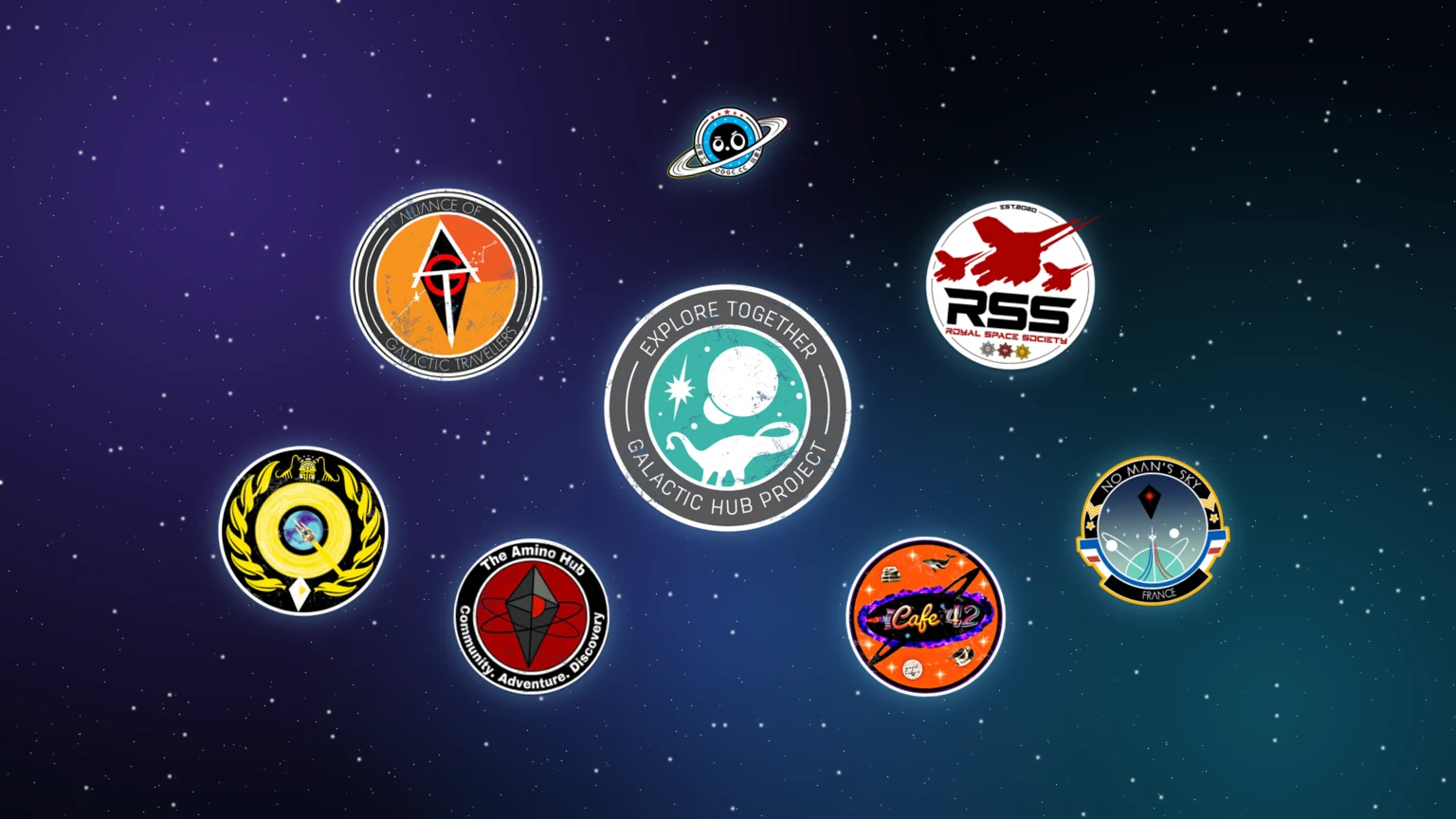
Many long-running player civilizations now have in-game alliances. Eisvana and the Alliance of Galactic Travellers, for example, have you join at the station in their home system.
Alliances need to be online. You’ll be asked to link a Hello Games account the first time you found or join one. If you play on more than one platform, choose Connect to Existing Account so your alliances follow you.
How to join an alliance
- Find a station the alliance owns. That’s the tricky bit, and it’s what the directory is for.
- Dock and walk to the Station Core.
- Choose View Alliance, then Join Alliance.
That’s it. There’s no application and no invite. You can be in three alliances at once. To join a fourth you have to leave one, which you do from the same Station Core menu.
If you’re in more than one, you can mark one as your primary alliance. That’s the one your activity counts towards.
I haven’t found any way to join remotely. The game tells you to join “at one of their stations”, so plan on flying there. A portal address saves a lot of time.
What you get from joining
The main perk is travel. The teleporter has an Alliance Stations filter for hopping between your alliances’ systems. It only lists stations already in your teleporter list, though, so you still have to visit each one once before it shows up.
Alliance names also show up on the teleporter and the system map, and alliance capitals are marked on the galaxy map. There’s no published reward for membership or leaderboard rank. Mostly you get a group to play with and a reason to fly somewhere new.
How to claim a space station
You can’t found an alliance without claiming a station first. At the Station Core, choose Claim Station to see the directorship requirements:
- 30 standing with the local race
- 15 standing with the local guild
- 5 completed contracts from a salvage and delivery terminal at a deep-space outpost
- 1,000,000,000 units
Only things you do in that system count. I checked these numbers in the 7.0 game files. They’re flat values, the same for every station, and claiming takes the billion units from your balance. Some guides say the thresholds vary. The files don’t show that, though the game’s difficulty settings may change the unit cost. If you’re short on units, our money-making guide will help.
The salvage contracts need a Corvette with a Tractor Beam to catch what your Gravitino Coil flings at it. The Corvette guide covers getting one set up.
Some things to know before you commit:
- You can’t claim the Atlas Interface, the Space Anomaly, abandoned stations or outlaw stations.
- Claiming is permanent. There’s no unclaim button.
- Early reports mentioned a cap of 20 stations per player. Patch 7.04 fixed “an issue that limited the number of space stations which could be claimed by one player”. That patch was listed for PC and Mac.
How to create an alliance
At a station you direct, open the Station Core and go to Galactic Alliances, then Found an Alliance.
The name can be up to 31 characters, using letters, numbers, spaces, underscores and dashes. The tag is exactly 4 characters from the same set. Both have to be unique, so if you had a clever tag in mind, someone may already have it. The tag is the short code people will know you by, so make it readable. Then pick a banner emblem and colours. Patch 7.03 added extra banner colours.
You can only be the founder of one alliance at a time. Afterwards you can rename the alliance, change the tag, edit its details, or disband it. Disbanding runs on a timer and permanently removes the name, tag and leaderboard position. Every member loses their membership too.
If you already direct a station and there’s an alliance you’d rather support, you don’t have to found your own. Directors can claim their station for an existing alliance instead.
The leaderboard
Choose View Galactic Alliances at any Station Core. The board shows rank, name and score. The game’s help text says alliances with more members, more claimed stations and more activity score higher. Each alliance’s page also shows member count, systems, plants, minerals and creatures discovered, and stations claimed.
There’s no published reward for ranking, and the score says more about size and activity than about what an alliance is like to be in. If you’re picking one to join, look at where it’s based and what its members do together instead.
Find an alliance in our directory
In the game, you can only discover alliances through the leaderboard, and it shows the top groups by score without saying where their stations are. The teleporter only lists stations you’ve already visited. Alliances end up being passed around through Discord servers, Reddit threads and YouTube videos.
So we’ve built an alliance directory. Each listing tells you:
- the galaxy and region
- the system with a station you can join at
- the portal address, where the alliance has shared one
- their platforms, languages and focus, like exploration, building, trading or roleplay
- their Discord and website
You can filter by galaxy, platform and playstyle, then follow the join steps on the listing.
If you run an alliance, add it to the directory. It takes a couple of minutes. We review every listing before it goes live, to keep out spam and dead links. If something in a listing goes out of date, tell us and we’ll fix it.
Sources
- Cosmos Update and patch notes for 7.01, 7.03 and 7.04
- Sean Murray’s Cosmos post
- Space Station (Fandom) and Civilized space (Fandom)
- How to claim a space station and make an alliance (allthings.how)
- The 7.0 game files: gameplay globals for the claim requirements, and the in-game text
Related

More guides

Frequently asked questions
Fly to any space station the alliance owns, go to the Station Core, choose View Alliance, then Join Alliance. You need a Hello Games account and an internet connection. Our alliance directory lists where to find each alliance's stations.
Three at once. To join a fourth you have to leave one first. You can set one as your primary alliance, and that's the one your activity counts towards.
Claim a space station first, because only station directors can found one. Then open Galactic Alliances at that station's core and choose Found an Alliance. You pick a unique name of up to 31 characters, a unique 4-character tag, and a banner emblem and colour.
Open the Station Core and choose Claim Station to see the directorship requirements: standing with the local race and guild, salvage and delivery contracts from a deep-space outpost, and units. The game data sets these at 30 race standing, 15 guild standing, 5 contracts and 1,000,000,000 units, and the units are spent when you claim.
Not that I can find. The game tells you to join an alliance at one of their stations, and I haven't seen a remote option in any source.
Not in the game. The leaderboard only shows the top alliances by score and doesn't tell you where their stations are. We built an alliance directory that lists each alliance's galaxy, station system and portal address.