
On this page
Cosmos is update 7.0. You can run a space station, join an alliance, build in orbit, and strip wrecks that might blow up on you. I’m focusing on the gameplay here. Rendering, DLSS, and bug fixes are on the official patch notes page.
It came out on PC on 9 September 2026, according to the Fandom wiki. The official notes don’t give a date.
What the Cosmos update is
It’s a whole new layer of space gameplay alongside the planetary stuff. The Gravitino Coil from Remnant still hauls waste on planets, and now it works in open space too. The Corvette gets a Tractor Beam to catch whatever the Coil throws at it.
Points of interest show up on a new star system map once your save has reached the Space Anomaly. A short tutorial mission called Signals introduces it all.
Become a space station director
According to the patch notes, you prove yourself to the local authorities and then you get to run the station.
What “proving yourself” means isn’t spelled out. There’s no quest name, reputation threshold, or item listed. I’d be wary of anyone claiming a Station Override or some old curiosity is the key, since those are unrelated items.
Being director is mostly about decorating. You can restyle the central lobby, move the existing furniture, add new interior parts, and expand the hangar with extra rooms to furnish. Outside, you can bolt on huge decoration modules or remove the ones already there. Most of those modules unlock at the Construction Research Terminal on the Space Anomaly, and some rare ones drop from deep-space anomalies.
Alliances
A director can found an alliance and give it a name and a banner. Other players join by visiting a station the alliance already owns. You can be in up to three at once.
The teleporter lists allied systems, and rankings are shown at the station core. Alliances are ranked on population, activity, and how much space they cover. There’s no published reward table yet.
The alliance guide covers claiming a station, founding an alliance and joining one. To find an alliance, browse the alliance directory.
The star system map
Open it from the Quick Menu. It shows the planets, the station, and deep-space points of interest in your current system. Mark one and your ship will help you fly there.
Points of interest include rocky and icy asteroid belts, inhabited and infested outposts, hulks, debris fields, asteroid platforms, and the star itself. Yes, you can fly to the star. It will kill you. Do it once for the screenshot.
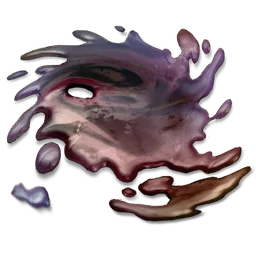
Asteroid belts and ice fields attract miners, traders, and pirates. Infested outposts are covered in biological goop, and that’s where you’ll find Pathogen Sacs and Gelatinous Fibres. Other salvage includes Comet Dust, Contaminated Metal, and Condensed Stellar Ice. You process all of it at an outpost, though the notes don’t say what it turns into or what it sells for.
Outposts have a quartermaster and a salvage and delivery terminal, and their contracts are the repeatable content here. The Dream Aerial is now a reusable item you can craft and use more than once to find a living frigate. During Starbirth, the Living Ship patrols infested outposts.
Derelict hulks
These aren’t the derelict freighters you already know.
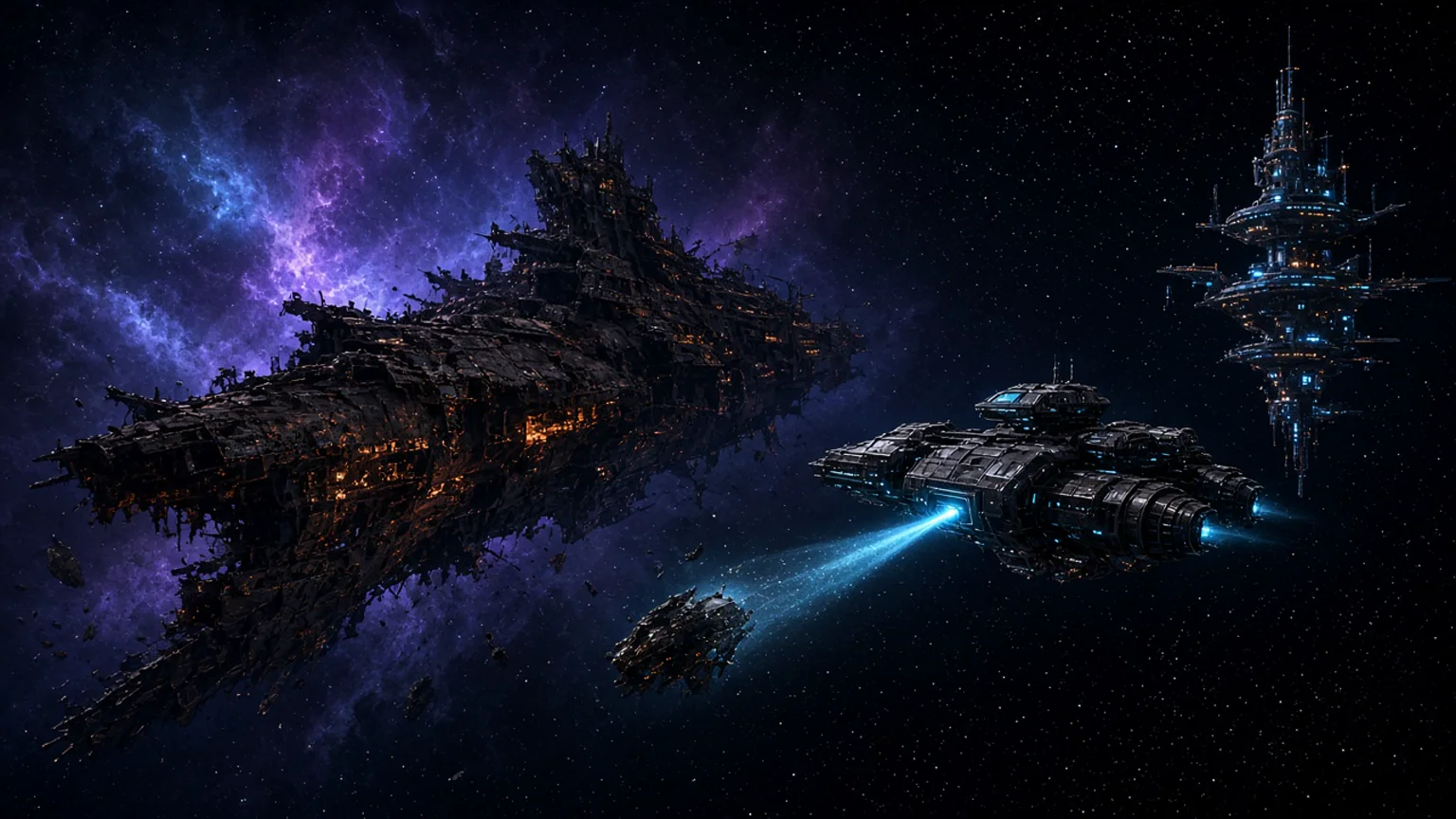
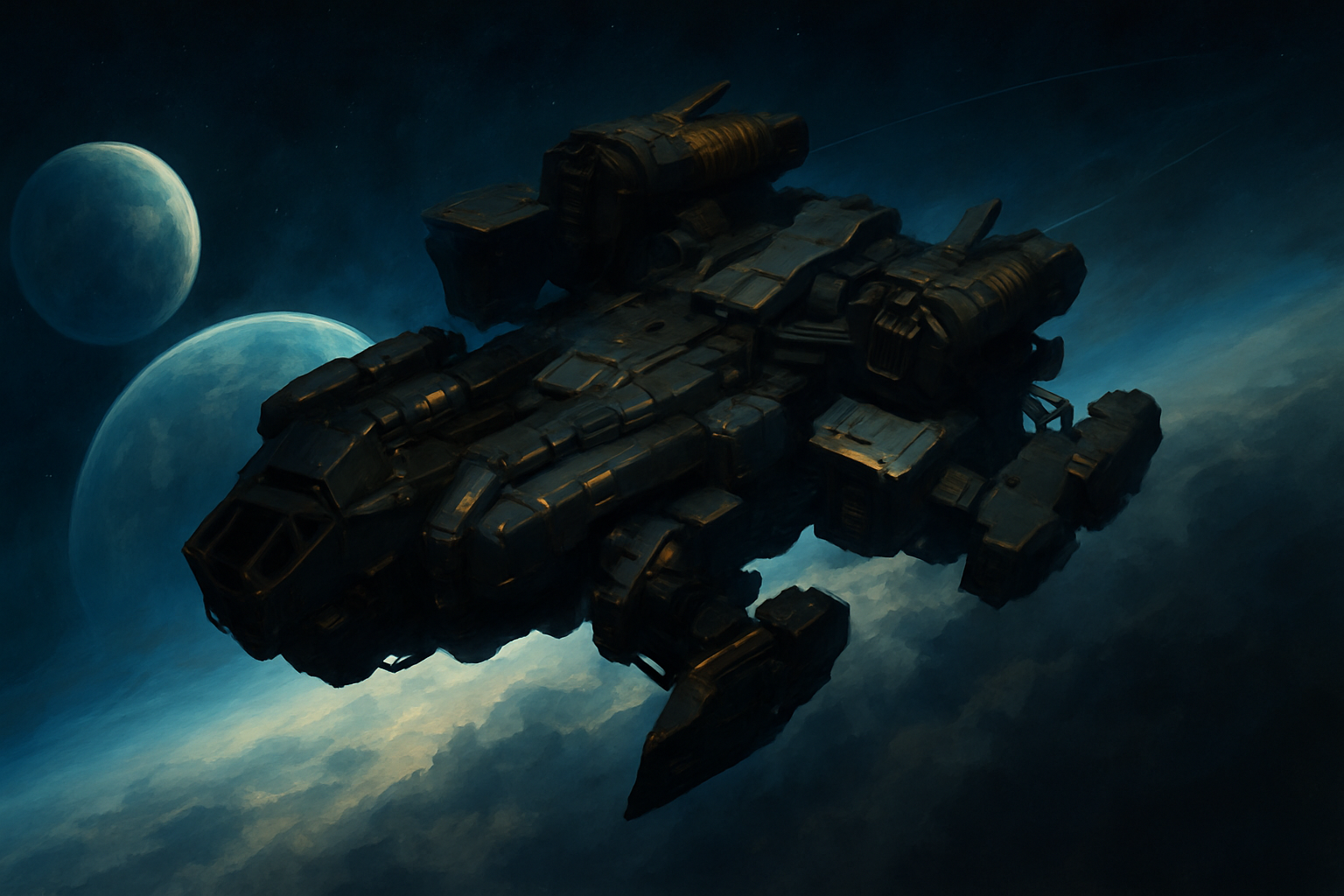
Derelict freighters still work the old way: Emergency Signal Scanner, sealed airlock, crew logs, engineering terminal. Hulks are huge drifting wrecks you explore on a spacewalk, full of rusted chambers and narrow chokepoints, with tech and cargo stuck in the frame. Strip too much and the structure fails. The whole thing can melt down and explode.
Hulk cargo includes items like Industrial Salvage. Grab the valuable stuff first, then get out.
The salvage loop
This is the part I care about most, since this site is all about recipes.
You need a Gravitino Coil and a Corvette with a Tractor Beam. The beam is a new Corvette utility part, sold with the other Corvette parts at the station workshop. The Coil handles better than it did, and you can now equip it inside a space station. The crafting recipe is on the Coil’s item page, and the planetary waste loop is in the Coil guide.
In space, fling salvage at the beam and it lands in your Corvette’s hold. Anything too big gets broken down to fit. The beam can also empty the whole hold in a few seconds. The patch notes helpfully add that you shouldn’t vent it on sentient objects.
Haul everything to a deep-space outpost and process it there. You can sell the results on the Galactic Trade Network or keep them for station construction. That’s all Hello Games has published. There’s no unit rate, no refining table, no word on which material is best. When that shows up in the game data, it’ll go on the item pages. I’m not going to guess.
Orbital bases
You can claim empty space, or start from a rock platform already floating out there. Cosmos adds a Deep-space Base Computer and new corridor parts for these builds. All the existing base parts still work for interiors, including inside a station you direct.
Spacewalking
You can now eject from any ship, not just a Corvette. Quick Menu, then eject. Spacewalking has roll, so you get full six-degree movement instead of swimming in a straight line. Explosions knock you back. Open space drains your cold protection unless something else is hurting you first, like a nearby star.
Landing on and taking off from objects with gravity in space is smoother now. No new jetpack upgrade was mentioned.
Our Journey Continues
This is Expedition 23. It runs about six weeks, with one milestone for each era of the game since launch. Each milestone has developer commentary read by Sean Murray, and once you unlock it, it stays in Collected Knowledge.
The listed rewards are framed book-cover art, decals and titles, a golden Rasamama S36, an astronaut cockpit figurine, the Starbound v0.27 Multi-Tool, a vintage Sentinel Interceptor, and a diplodocus companion pulled from pre-release footage. That diplodocus is my favourite thing in the whole update. I’m not covering the milestones step by step here.
Twitch Drops run from Thursday 10 September to Monday 14 September. Link your account on the Twitch Drops page if you want them. You don’t need them for anything in the salvage loop.
Sources
Related
More guides
Frequently asked questions
Update 7.0. You can direct a space station, join an alliance, build in orbit, map the local system, and strip derelict hulks for salvage. It came out on PC on 9 September 2026.
The patch notes say you have to prove yourself to the local authorities, but they don't list the exact steps. Once you're director, you can change the lobby, add rooms, and decorate the exterior.
No. Hulks are new deep-space wrecks you explore on a spacewalk. They lose structural integrity as you strip them and can explode. The older derelict freighter missions, with the [Emergency Signal Scanner](/curiosities/ABAND_LOCATOR/) and crew logs, are a separate thing.
You need a Gravitino Coil and a Corvette Tractor Beam (bought at the Corvette Workshop). Haul the salvage to a deep-space outpost, process it, then sell it or keep it for station construction. Hello Games hasn't published yields or recipes.
Expedition 23. It runs about six weeks and walks through ten years of No Man's Sky, with developer commentary from Sean Murray at each milestone. The commentary gets saved to Collected Knowledge.